



This website uses cookies so that we can provide you with the best user experience possible. Cookie information is stored in your browser and performs functions such as recognising you when you return to our website and helping our team to understand which sections of the website you find most interesting and useful.

ITEMLIST
Products Infomation

- Products by Category
- Information Equipment / Software
- CAD / CAM Systems
- Heat Conduction Analysis Software
- Structural Analysis Software
- Systems / Numerical Analysis Software
- Thermal-Hydraulic Analysis Software
- PROMETECH SIMUNIMA
CAE Visualization & XR Software
U.S.-based sales, and delivery available.
SIMUNIMA is a CAE visualization and data conversion software that transforms simulation results into high-quality CG, 3D visualizations, and XR content. It enables seamless integration with tools like Unity, Blender, Maya, and Unreal Engine for rendering, interactive applications, and digital twin development. With automated scene setup, data optimization, and support for large-scale simulation datasets, SIMUNIMA enhances engineering analysis, presentations, and collaboration workflows.
Functions
New features of SIMUNIMA ver5(SIMUNIMA/SIMUNIMA for Unity)
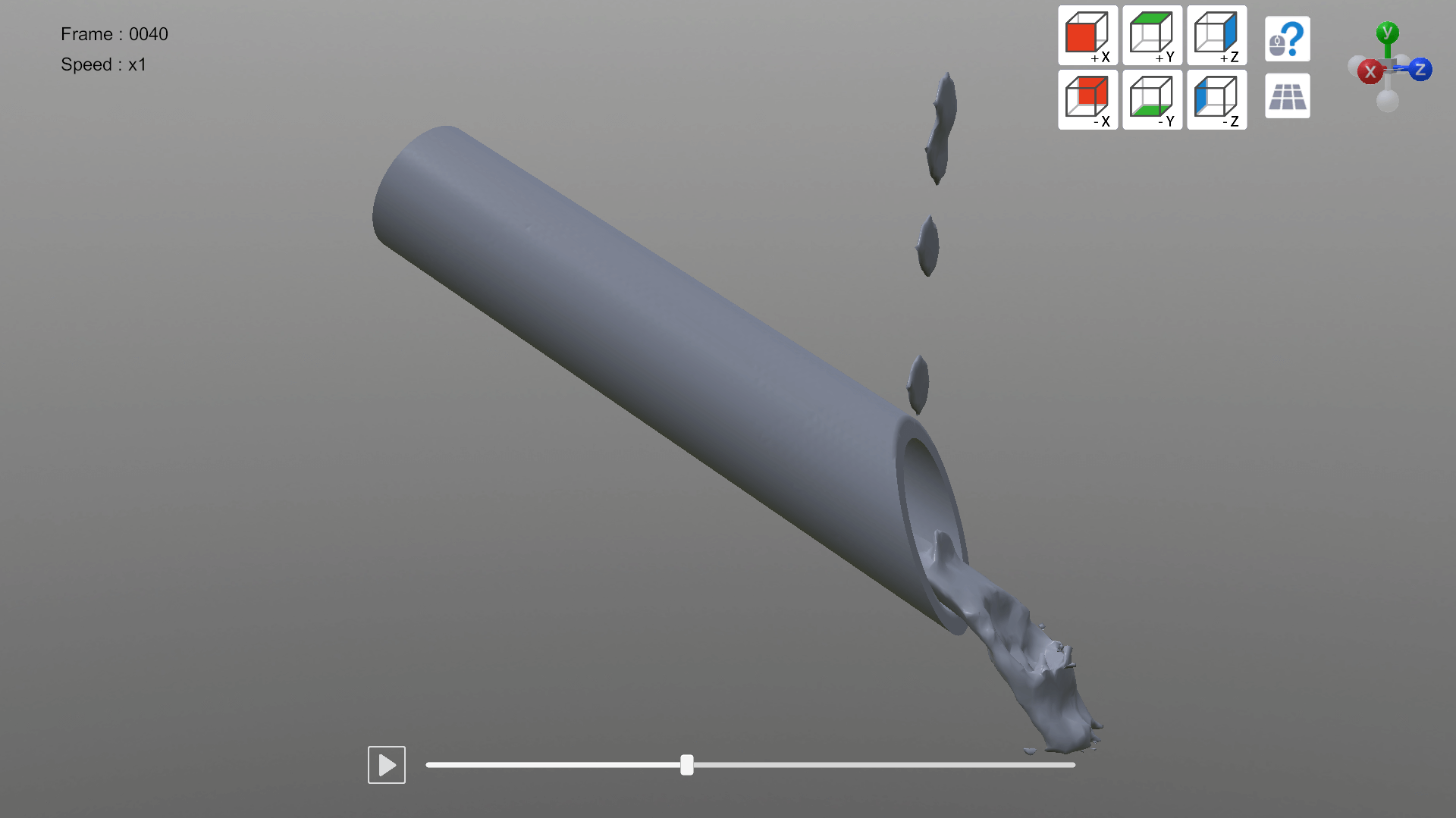
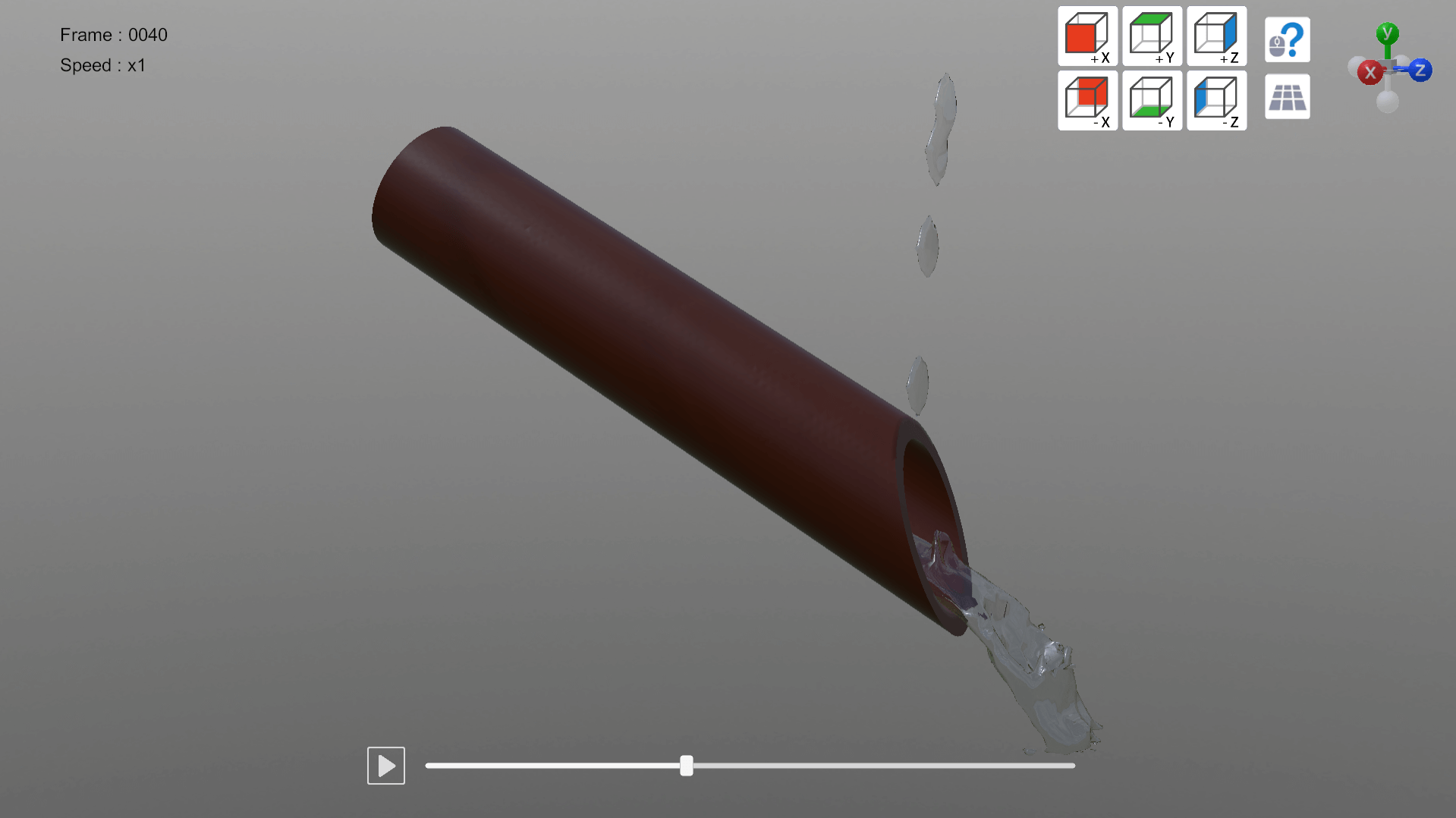
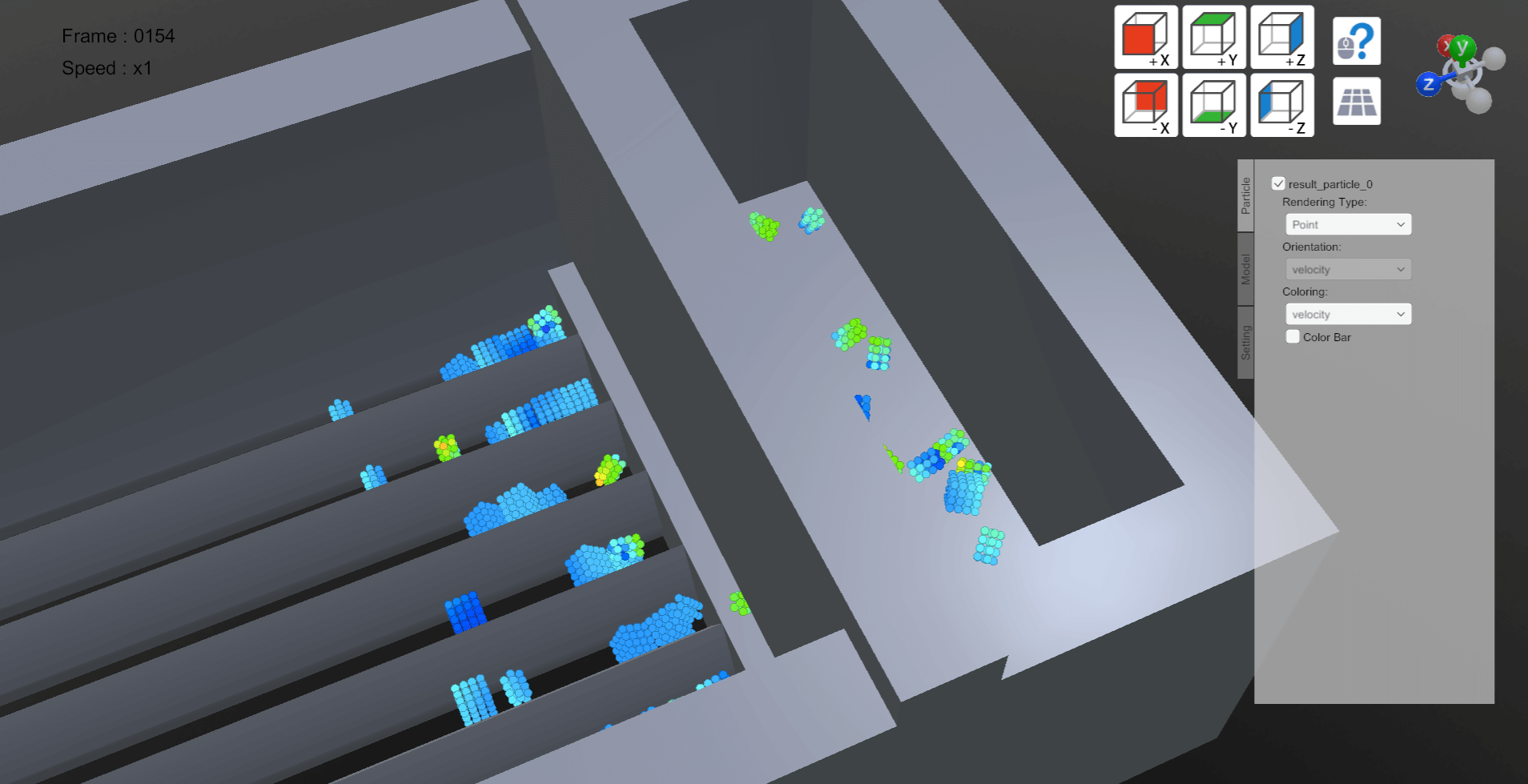
▽Support Particleworks ver8.1 and Granuleworks ver3.1
Support analysis data file generated by Particleworks ver8.1 and Granuleworks ver3.1 additionally. Polygon motion conversion and conversion of Granuleworks’ non-spherical models are supported.
 |
 |
 |
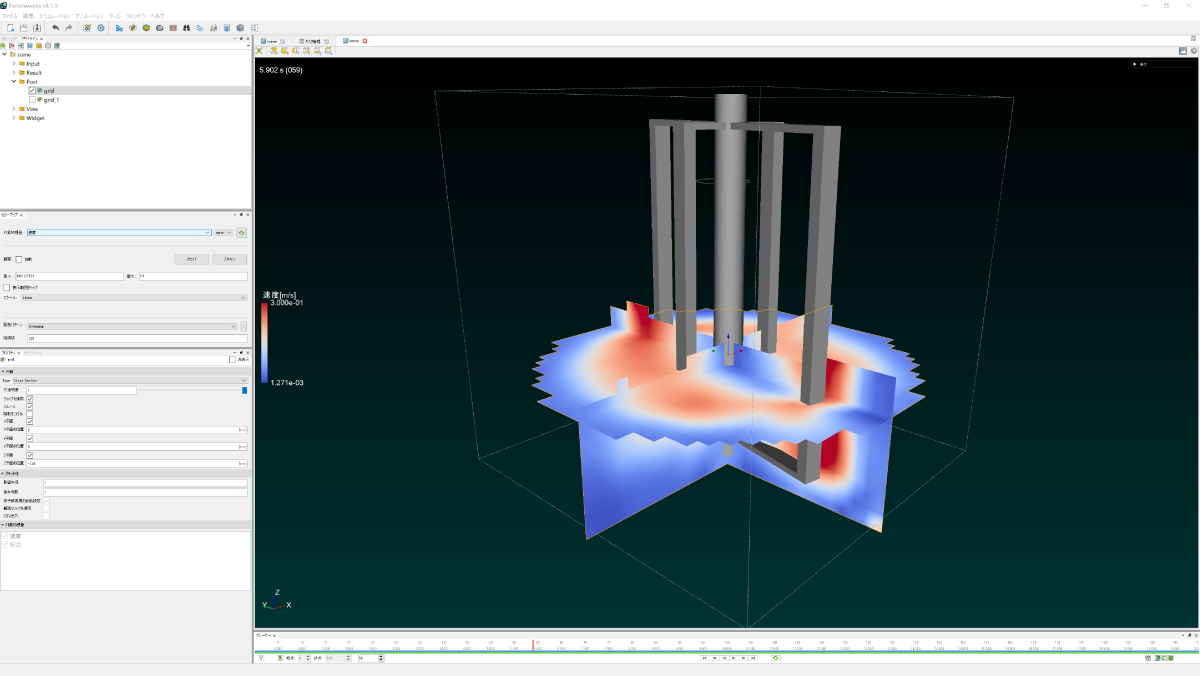
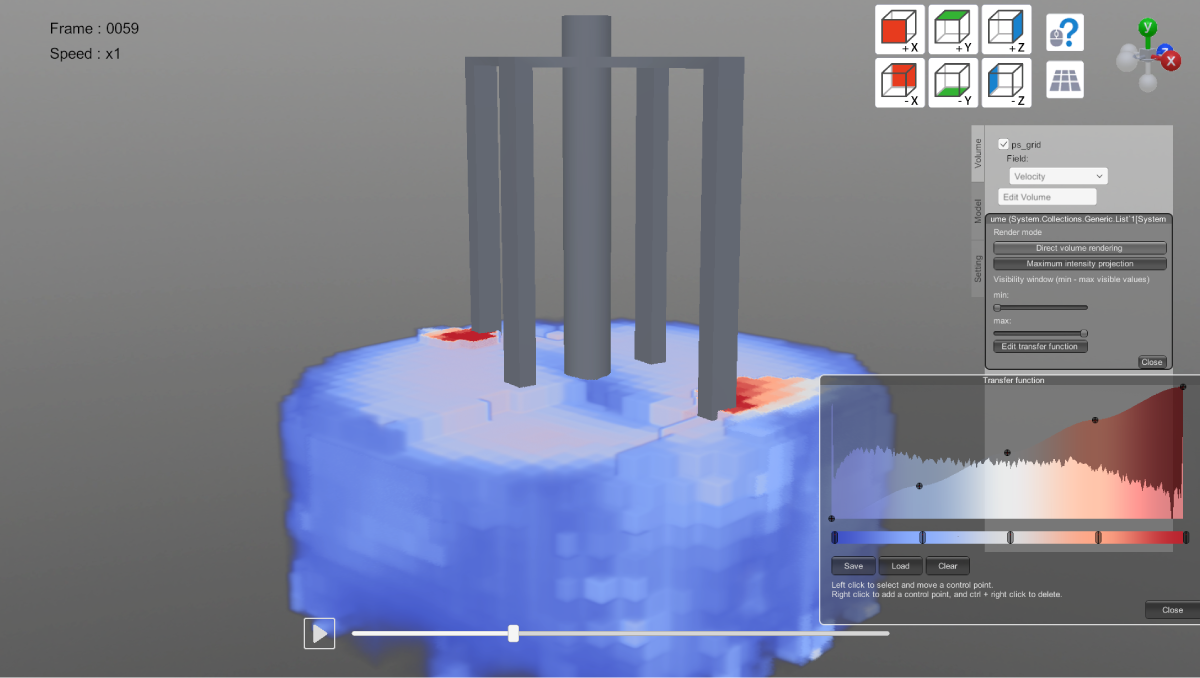
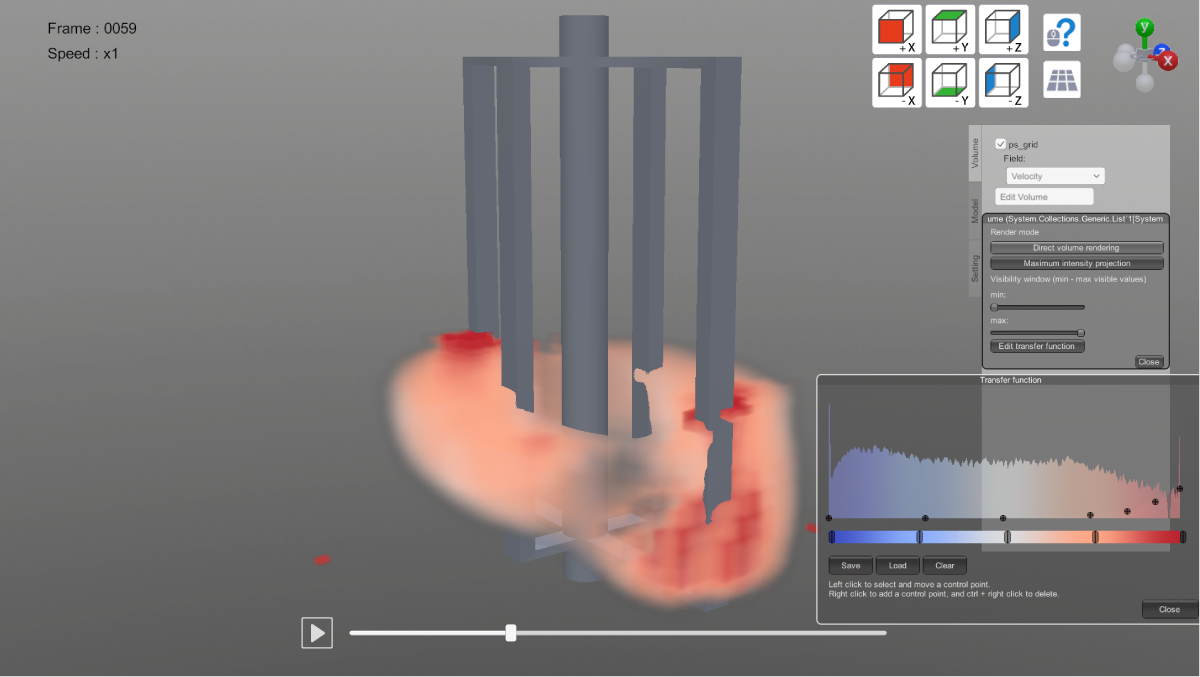
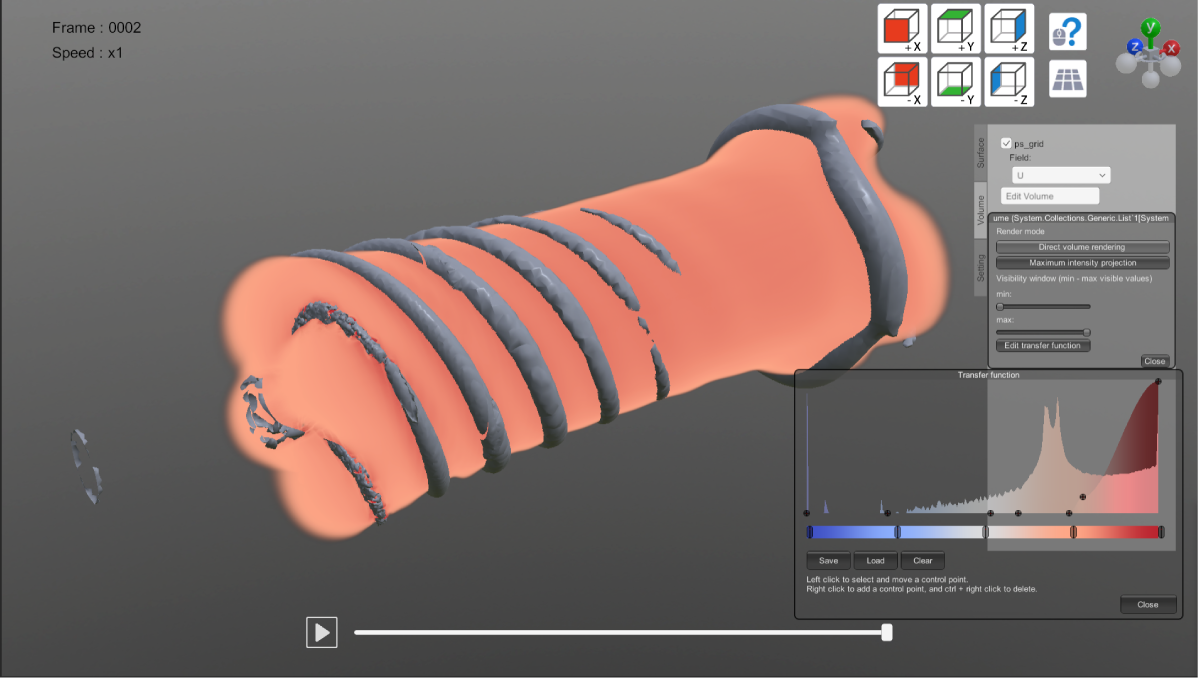
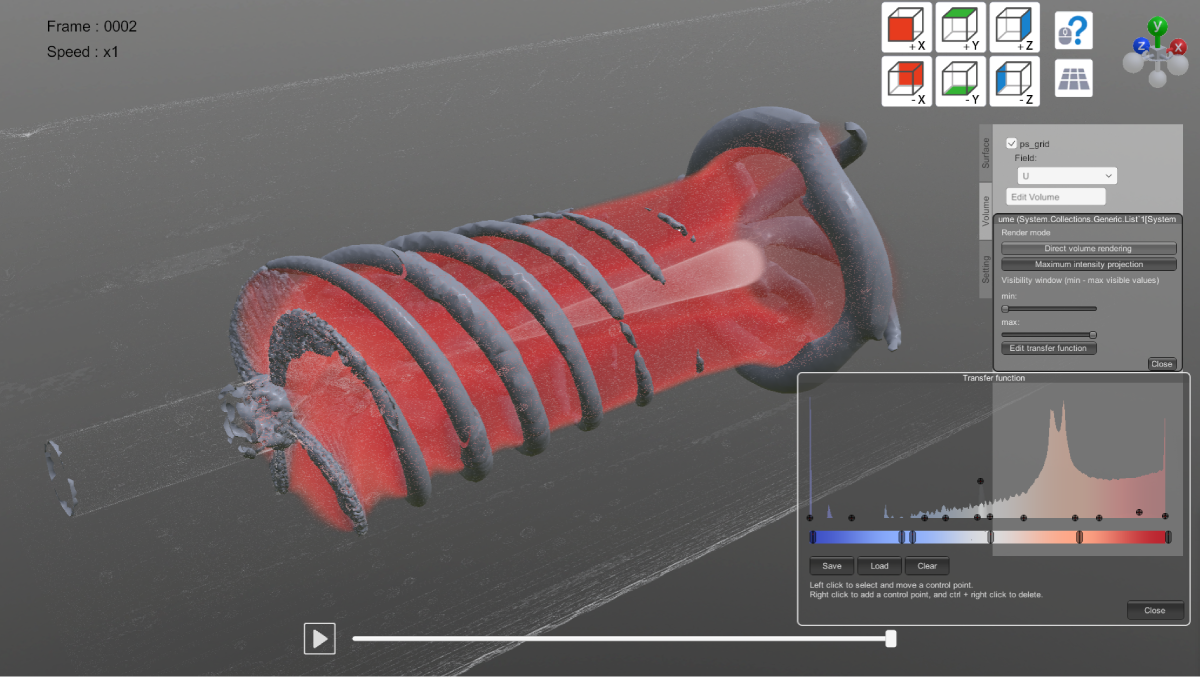
▽Supports the conversion and display of volume(grid) data
Grid data output from Particleworks/Granuleworks can now be converted to OpenVDB format.
Using SIMUNIMA for Unity, you can visualize the three-dimensional structure of grid data.
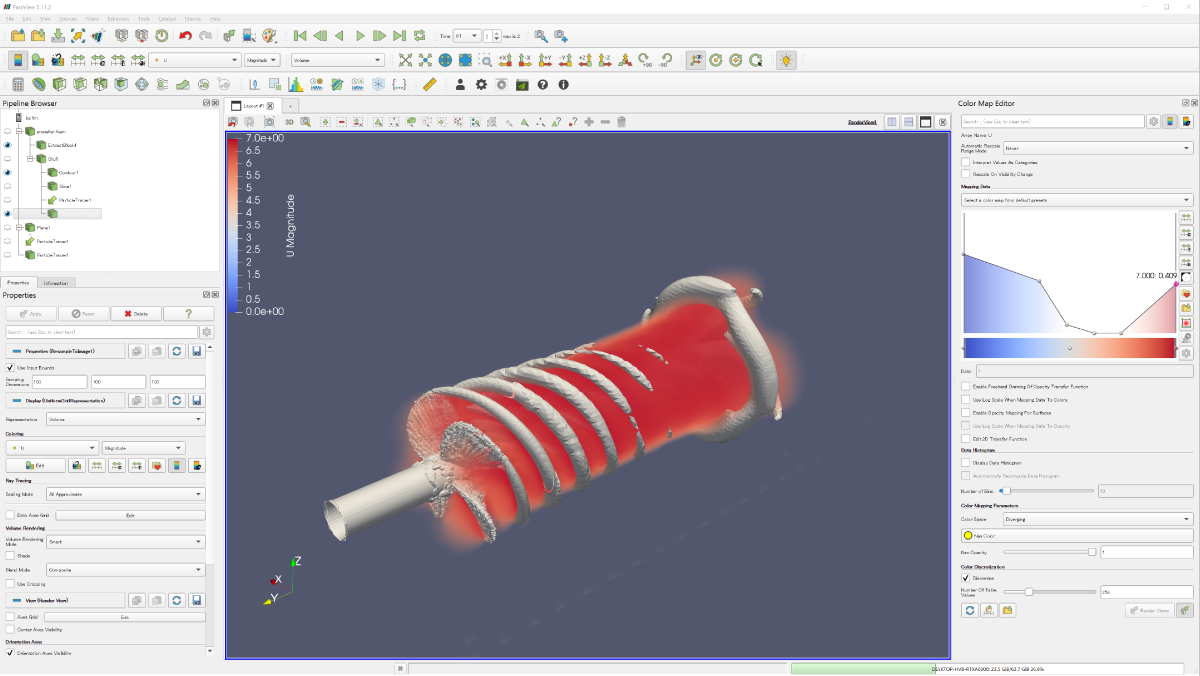
SIMUNIMA for Unity also allows visualization of Volume data from ParaView.
 |
 |
 |
 |
 |
|
 |
 |
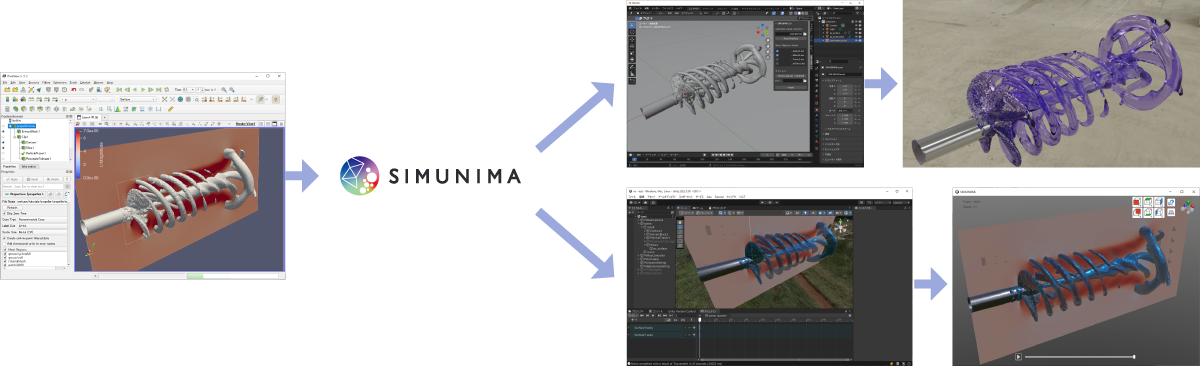
▽Support for converting ParaView post-processing results.
・ We now support ParaView, an open-source software for post-processing fluid analysis results and more.
・ Using SIMUNIMA with ParaView allows for efficient development of CG rendering in Blender or visualization programs in Unity when post-processing OpenFOAM (an open-source CFD software) or research code.
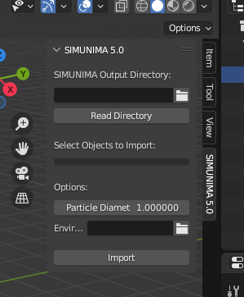
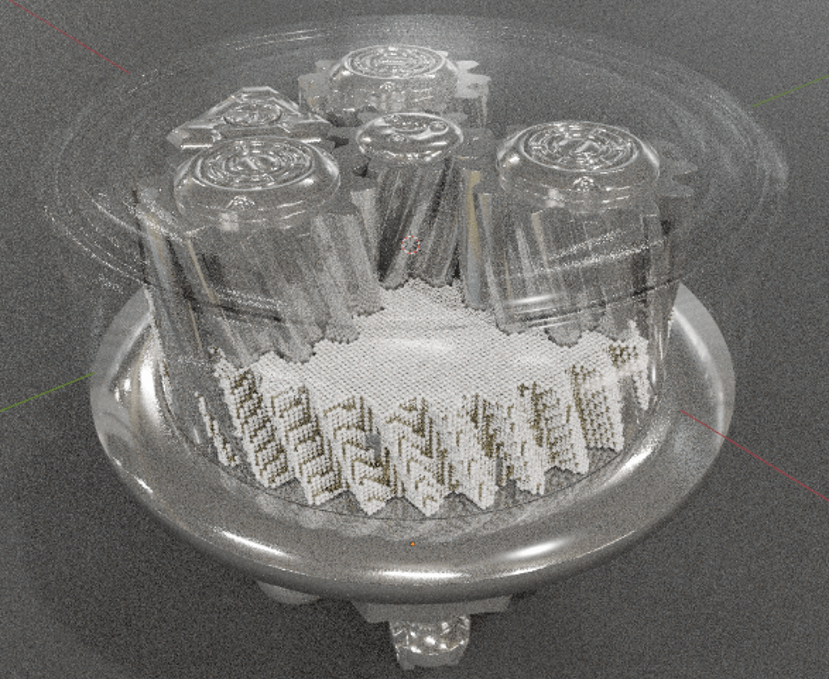
▽Developed a Blender add-on to streamline scene building
・ Previously, visualizing analysis results in Blender using only standard functions required lengthy and complex procedures.
・ The Blender add-on added in this version significantly simplifies the import of SIMUNIMA conversion results and scene building.
・ Users can import various files, set various parameters, and generate materials automatically by specifying only the minimum settings, such as the converted result folder name and particle size, in a dedicated window.
 |
 |
 |
▽Enhanced cross-sectional display functionality
The following functions have been added to the cross-sectional display.
・ Added a function to apply faces to cross-section.
・ Added a function to invert the clipping box.
 |
 |
Photo-realistic video created by Visualization Option and Unity

To view the pdf files, the Adobe Reader from Adobe Systems is required.